I still remember building my first gaming PC and feeling incredibly proud when everything finally powered on. The processor was installed, the graphics card looked amazing, and the RGB lights made the whole setup look professional. But then I noticed something strange.
My high-speed RAM wasn’t running at the speed printed on the box.
I had paid extra for faster memory, yet my computer was using much lower default settings. While searching for answers, I kept seeing two terms everywhere: XMP and EXPO.
At first, they sounded almost identical. Both promised faster RAM performance. Both could be enabled in the BIOS. These Two claimed to help memory run at its advertised speeds. Yet every forum seemed to have people arguing about which one was better.
The more I researched, the more I realized that many PC builders face the same confusion. Whether you’re building a gaming PC, upgrading a workstation, or buying new memory, understanding XMP vs EXPO can save time, money, and frustration.
The key question most people are trying to answer is simple: Which memory profile should you use, and does it even matter?
If you’ve ever wondered about the difference between XMP and EXPO, this guide will explain everything in simple terms and help you choose the right option for your system.
⚡ XMP or EXPO – Quick Answer
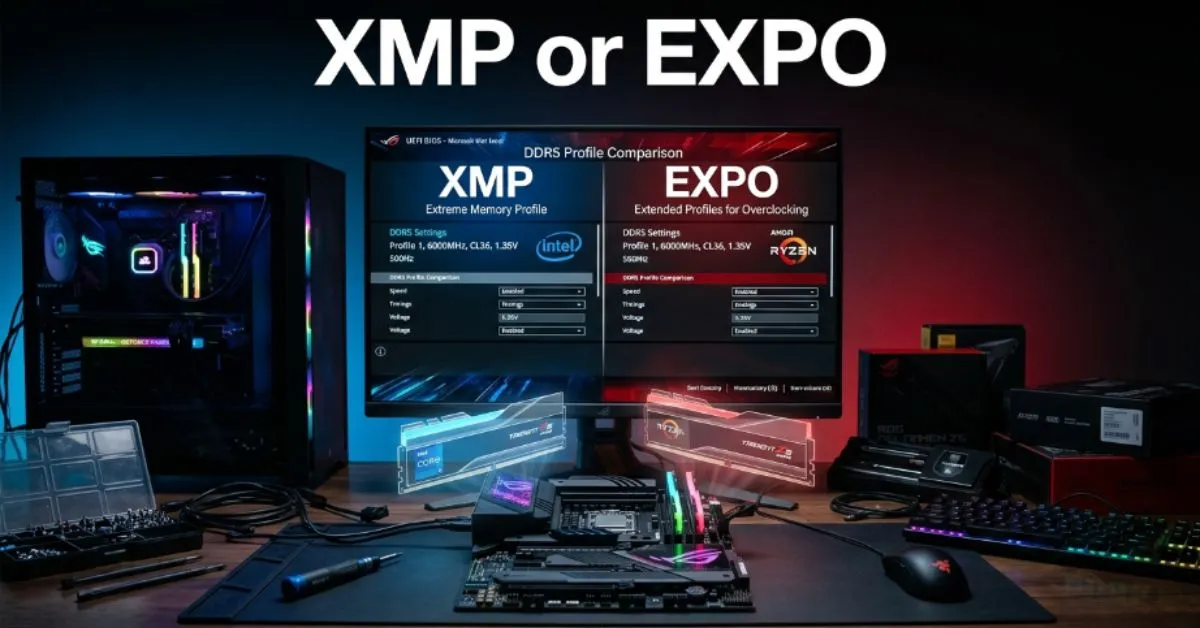
XMP (Extreme Memory Profile) is Intel’s memory overclocking profile technology.
EXPO (Extended Profiles for Overclocking) is AMD’s memory profile technology designed for Ryzen processors.
Quick Examples
- Intel gaming PC + DDR5 RAM = Usually XMP
- AMD Ryzen gaming PC + DDR5 RAM = Usually EXPO
- Some RAM kits support both XMP and EXPO
Simple Takeaway Rule
Use the profile that matches your processor platform. XMP is generally best for Intel systems, while EXPO is typically best for AMD Ryzen systems.
🤔 Why Do People Compare XMP or EXPO?
People compare XMP and EXPO because both serve the same basic purpose.
They help RAM run faster than standard factory settings.
The confusion happens because:
- Both improve memory performance.
- Both are enabled through the BIOS.
- Both are common on gaming PCs.
- Both affect system speed.
Many beginners assume XMP and EXPO are completely different technologies.
In reality, they accomplish similar goals but are optimized for different hardware platforms.
📜 The Background Behind Both Options
What Is XMP?
XMP stands for Extreme Memory Profile.
It was developed by Intel to simplify RAM overclocking.
Before XMP, users often had to manually adjust memory settings.
With XMP, the memory manufacturer stores optimized settings directly on the RAM module.
Users can enable those settings with a few clicks.
What Is EXPO?
EXPO stands for Extended Profiles for Overclocking.
AMD introduced EXPO for Ryzen processors and DDR5 memory.
EXPO works similarly to XMP but is specifically optimized for AMD systems.
Today, both technologies help users achieve advertised memory speeds without manual tuning.
📊 Key Differences at a Glance
| Feature | XMP | EXPO |
| Main Purpose | Memory overclocking profile | Memory overclocking profile |
| Developed By | Intel | AMD |
| Best Platform | Intel CPUs | AMD Ryzen CPUs |
| Memory Type | DDR4 & DDR5 | Primarily DDR5 |
| Ease of Use | Very easy | Very easy |
| BIOS Support | Wide support | Growing support |
| Manual Tuning Needed | Usually no | Usually no |
| Best For | Intel systems | AMD systems |
| Pros | Broad compatibility | Ryzen optimization |
| Cons | Not AMD-specific | Newer ecosystem |
🔍 Feature by Feature Comparison
Compatibility
Compatibility is the biggest difference.
XMP was designed primarily for Intel platforms.
EXPO was designed specifically for AMD Ryzen systems.
Many modern RAM kits support both.
Performance
In most real world situations, performance differences are small.
When paired with the correct platform:
- XMP performs very well on Intel systems.
- EXPO performs very well on AMD systems.
Ease of Setup
Both technologies are beginner-friendly.
Most users simply:
- Enter BIOS
- Enable profile
- Save settings
- Restart
No advanced knowledge is required.
Stability
Stability depends on:
- Motherboard quality
- RAM quality
- CPU memory controller
Both XMP and EXPO are generally stable when officially supported.
Future Support
DDR5 adoption continues to grow.
As a result:
- XMP remains widely used.
- EXPO continues gaining popularity among Ryzen users.
💰 Pricing and Value Comparison
XMP and EXPO themselves do not cost extra.
However, memory kits may be marketed differently.
XMP RAM Kits
May include:
- Intel validation
- Broad motherboard compatibility
- DDR4 and DDR5 support
EXPO RAM Kits
May include:
- AMD optimization
- Ryzen-focused testing
- DDR5 tuning profiles
Prices vary by:
- Capacity
- Speed
- Brand
- Timing specifications
Which Offers Better Value?
For Intel users:
XMP often provides the best value.
For AMD users:
EXPO usually offers better value because it is designed specifically for Ryzen systems.
Remember that memory prices change frequently.
✅❌ Pros and Cons
XMP Pros
- Wide motherboard support
- Easy setup
- Excellent Intel compatibility
- Mature technology
- Available on many RAM kits
XMP Cons
- Not specifically optimized for AMD
- Some AMD boards may require adjustments
EXPO Pros
- Designed for Ryzen systems
- Optimized DDR5 profiles
- Easy activation
- Strong AMD compatibility
- Excellent gaming performance
EXPO Cons
- Newer technology
- Fewer supported kits than XMP
- Mostly focused on DDR5
🎯 Who Should Choose XMP?
Choose XMP if you:
- ✔ Use an Intel processor
- ✔ Want simple memory tuning
- ✔ Are building a gaming PC
- ✔ Want proven compatibility
- ✔ Use DDR4 memory
Best Scenarios
- Intel gaming PCs
- Productivity systems
- Content creation setups
- General desktop builds
🎯 Who Should Choose EXPO?
Choose EXPO if you:
- ✔ Use AMD Ryzen processors
- ✔ Build a DDR5 system
- ✔ Want Ryzen optimization
- ✔ Prefer easy setup
- ✔ Want maximum AMD compatibility
Best Scenarios
- Ryzen gaming PCs
- High-performance workstations
- New AMD builds
- DDR5 upgrades
❌ Common Mistakes People Make
Mistake #1: Forgetting to Enable Profiles
Reality:
Many users never activate XMP or EXPO.
As a result, their RAM runs below advertised speeds.
Mistake #2: Buying the Wrong Memory
Reality:
Some buyers purchase memory without checking platform compatibility.
Mistake #3: Assuming Faster RAM Always Means Faster Gaming
Reality:
Performance improvements vary depending on the game and system.
Mistake #4: Ignoring Motherboard Support
Reality:
Motherboard compatibility matters.
Always check specifications.
Mistake #5: Expecting Massive Performance Gains
Reality:
Memory profiles improve performance, but they do not transform an entire system.
📝 Real Life Examples
Everyday Situations
A gamer enables XMP and gains smoother performance.
Social Media
PC builders often share benchmark comparisons after enabling EXPO.
Reviews
Memory reviewers frequently compare XMP and EXPO compatibility.
Professional Discussions
Hardware experts discuss memory tuning during system optimization.
Consumer Decisions
Buyers compare XMP and EXPO support before purchasing RAM.
🤔 Things to Consider Before Choosing
Budget
Memory prices vary significantly.
Long Term Value
Choose RAM that matches your platform.
Ease of Use
Both technologies are beginner-friendly.
Personal Goals
Ask yourself:
- Do I use Intel or AMD?
- Am I building a gaming PC?
- Do I plan future upgrades?
Features Needed
Consider:
- Compatibility
- Speed
- Capacity
- Stability
Important Deciding Factors
Your processor is usually the deciding factor.
Intel users generally benefit from XMP.
AMD users generally benefit from EXPO.
📋 Quick Comparison Table
| Category | Winner |
| Intel Compatibility | XMP |
| AMD Compatibility | EXPO |
| DDR4 Support | XMP |
| Ryzen Optimization | EXPO |
| Beginner Friendliness | Tie |
| Ease of Setup | Tie |
| Gaming Performance | Tie |
| Best for Beginners | Depends on Platform |
| Best Overall Value | Depends on CPU |
| Overall Recommendation | Match Your Platform |
FAQs❓
Q. Is EXPO better than XMP?
Not necessarily. It depends on whether you use AMD or Intel.
Q. Can AMD use XMP RAM?
Yes. Many AMD motherboards support XMP profiles.
Q. Can Intel use EXPO RAM?
Some systems may work, but XMP is generally preferred.
Q. Does enabling XMP void warranty?
Typically no, but manufacturer policies vary.
Q. Does EXPO improve gaming performance?
It can improve memory performance, which may help certain games.
Q. Should I enable XMP immediately?
Most users benefit from enabling it after system setup.
Q. Is EXPO only for DDR5?
Primarily yes.
Q. Do all RAM kits support EXPO?
No. Check specifications before purchasing.
Q. Is manual overclocking better?
Advanced users may achieve better results manually.
Q. How do I know if my RAM supports XMP or EXPO?
Check the product specifications on the manufacturer’s website.
💡 Expert Tip
Before buying memory, choose your CPU first.
Many people shop for RAM speeds and RGB lighting before checking platform compatibility. Matching your memory profile to your processor usually delivers the smoothest experience and easiest setup.
Conclusion
The XMP or EXPO debate is much simpler than many PC builders think. Both technologies exist to help memory run at its advertised performance levels without requiring manual tuning.
XMP is Intel’s established memory profile system and remains one of the most popular options in the PC industry. EXPO is AMD’s newer alternative designed specifically for Ryzen processors and DDR5 memory.
Neither technology is universally better. The best choice depends largely on the platform you use. Intel users typically benefit most from XMP, while AMD Ryzen users often gain the best experience from EXPO.
The good news is that both systems are easy to use, widely supported, and capable of delivering meaningful performance improvements compared to default memory settings.
Before making a purchase, check your processor, motherboard, and RAM compatibility. A few minutes of research can help ensure that your system performs exactly as expected.
For most users, the smartest approach is simple: match the memory profile to your platform and enjoy the performance you paid for.
Disclaimer
This article is for informational and educational purposes only. Hardware compatibility, BIOS features, and performance results vary by manufacturer, motherboard, processor, and memory configuration.
Discover More Articles:
- PC or Mac : Don’t Buy a Computer Until You Read This💻(2026)
- Ryzen or Intel : The Hidden Difference Gamers Never Talk About💻
- Depop or Poshmark : The Smart Seller’s Guide to Making More Profit Fast🛍️